
eXtensions - Sunday 14 June 2026
By Graham K. Rogers
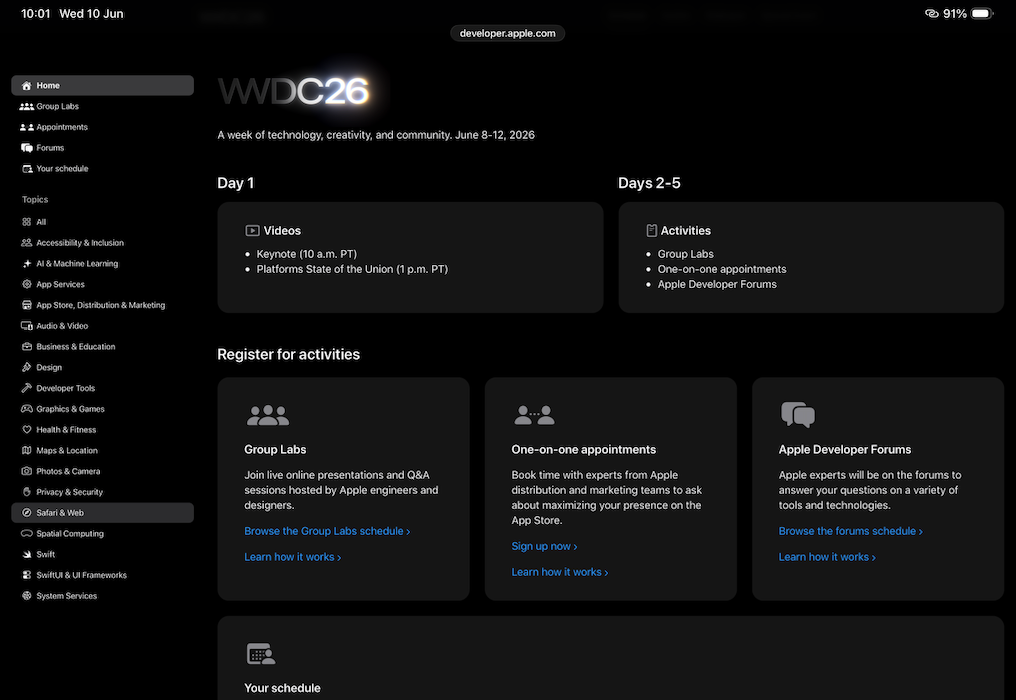
WWDC has come and gone. It revealed that several changes are to be made to Apple operating systems within the next few months. It also suggests that the gnomes of Cupertino have been hard at work in the last year. Several user suggestions are to be incorporated, including features that had previously been available and were thought lost forever.

I do not watch the WWDC keynote presentation live these days. The time difference (12 hours) means it runs when I am in bed. I prefer sleep to instant information these days. I view it later in the day. By the time I have had breakfast, however, there are plenty of comments on specifics in my news feed. The volume grows in the next couple of days. I read some, save some for later analysis, and start to take notes. One of these news reports concerns the style of the keynote deliveries. Stephen Hackett (512 Pixels) notes that for a number of years the format has taken a predictable form, commenting on the individual operating systems, one by one. But some features overlap. This time, he writes, the format groups this into three major topics: Platform improvements; Trust and Safety; Apple Intelligence and Siri.
I found the presentation was smooth as usual: well-scripted and presented. There was much general information, followed by details and demonstrations of some of the new features. It is all delivered at such a pace that it is hard to absorb what we are being shown. More detailed information comes in the following days when developer sessions take place. There is also useful information in the Apple press releases.
The first thing that really caught my eye in the newsfeed was the name for the next version of macOS: Golden Gate (Joe Rossignol, MacRumors). This will have performance improvements (including faster AirDrop, network file browsing, et al), plus changes to liquid glass. "Spotlight has a new "Search or Ask" interface that is powered by the more intelligent version of Siri, which is officially known as "Siri AI."" I am going to be treading my way carefully through any new AI features. This version can only support those Macs with Apple silicon. Intel Macs will be able to run Tahoe (the current version) and Apple will support that with security updates for 3 years.
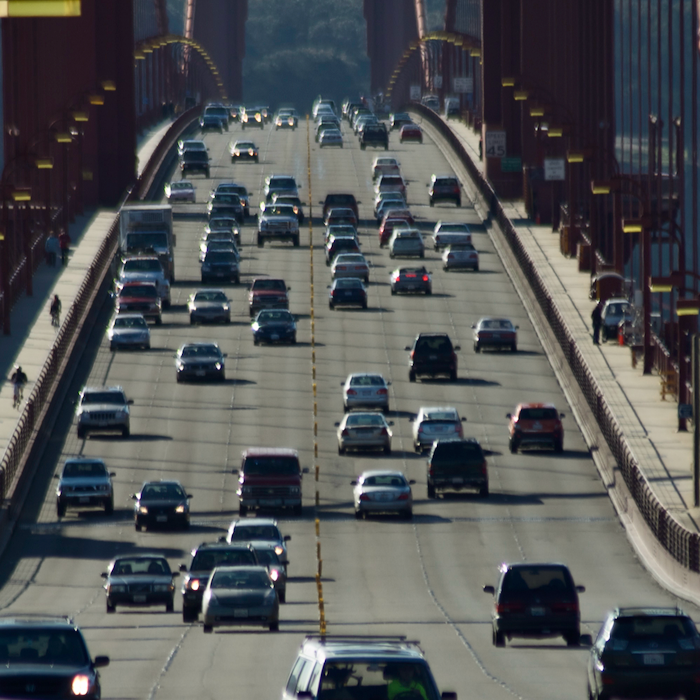
It had been rumored that Big Bear or another California location was to be the name, but here was an immediate lesson about ignoring rumors and waiting for Apple to make the announcement. Another thought that crossed my mind was that I would have to dig up the photos I took at the Golden Gate Bridge in 2008. I was using Aperture then so these are in a second Photos library on a disk. I had been to San Francisco before and since, but that was the only time I went to the famous bridge. The previous year was my first visit to the city and I had crossed another item off my list with a trip to Alcatraz.

|
|
Golden Gate is also the last version of macOS that will support Intel apps, so older apps on the device will need to be updated (in the next 12 months or so) or they will no longer run on the OS that follows Golden Gate (Oliver Haslam, Redmond Pie). Adding to this are comments from Roman Loyola (MacWorld). I am already seeing warnings about this in Tahoe.
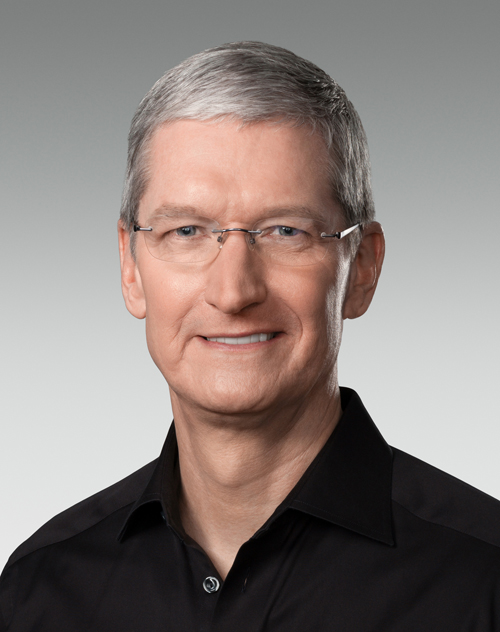
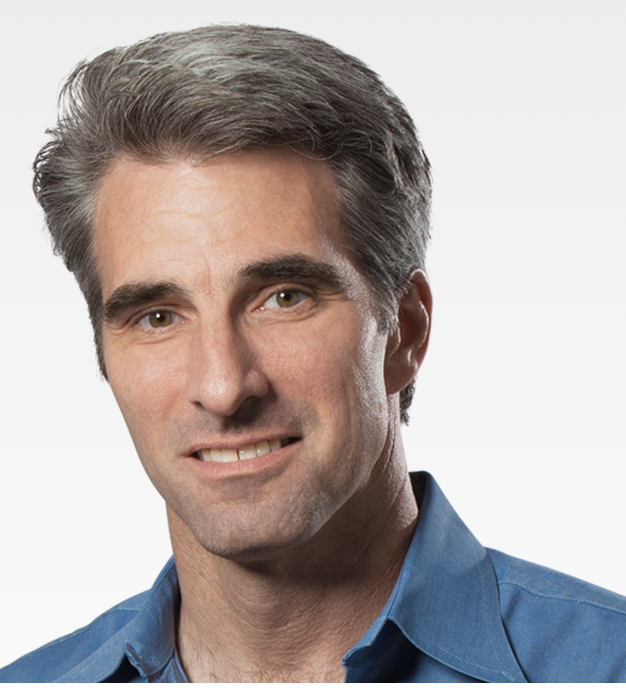
The WWDC keynote was bookended by Tim Cook. Instead of his usual ringmaster role, which had been handed over to Craig Ferlinghetti, who is, after all, Senior VP of Software Engineering. Cook made a "Good morning" introduction at the start, with by a Goodbye overview at the end. Notably, John Ternus was nowhere to be seen, while several other Apple worthies were also missing. If this had been in a theatre, they would have been at the front. I expect they were comfortably seated close to the stage in Apple Park.
|
|
Instead of Cook, Craig Federighi was the WWDC ringmaster, controlling the narrative and linking those presenting the new features we should be seeing around September. The big reveal of the macOS name, preceded by his usual tale of the decision-journey was nicely interrupted by the arrival of the yellow VW microbus and a shout of "It's Golden Gate, man" as it passed. Then it was back to business
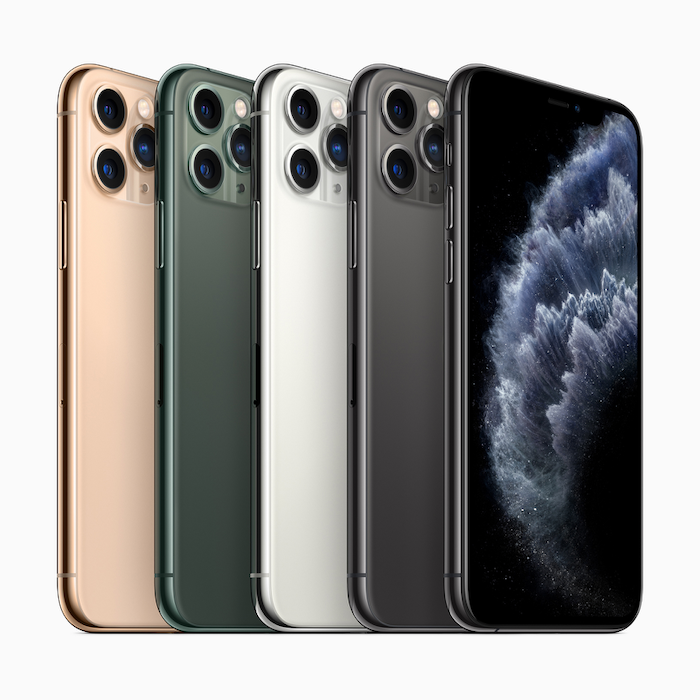
Early news items also included comments from Tim Hardwick (MacRumors) that iOS 27 would work on models as far back as the iPhone 11. Hardwick has a list of the models and that includes the iPhone SE (3rd generation). Ryan Christoffel (9to5Mac), has a similar list covering Macs that can install macOS 27. These are Macs that date from 2020: Apple silicon only. Ben Lovejoy (9to5Mac) lists iPad models that can be updated to iPadOS 27. The Apple Watch 9 was apparently left off the original list of compatible devices (Hartley Charlton, MacRumors).
Adding to comments from Joe Rossignol (above), Amanda Silberling (TechCrunch) wrote an article titled, "Apple is tweaking its controversial Liquid Glass design". She uses the term, "polarizing" in regard to reactions on this feature, adding information from Apple that it is "updating the foundations of how Liquid Glass is built". She also writes, "Apple said that it won't force users into this new look." Wise. Other companies might drop a major revision without apology, but Apple usually gets it in the neck. To be fair, Liquid Glass was an odd and uncalled for change and many were pleased when the designer left Apple for pastures new.
Other news came thick and fast and there were still revelations coming at the end of the week. Ryan Christoffel (9to5Mac) notes that the passwords app will be able to change passwords automatically, which sounded a little suspect to me. The article, however, confirms that this would happen when a compromised login was detected. The app notifies users now if there is such a problem, but this will fix the password for the user. Although this is not clear, I expect that there is a dialogue with the notification that asks the user something like, Do you want to change the password now?
As had been rumored, Photos is to have an AI update with some new tools, including one that changes the angle of the view and then adjusts the image (I guess perspective and keystone) to compensate for the change. I am unlikely to use this and wish Apple would spend some time on the interface rather than tricks like this. I hold some forlorn hope that Apple will take Photomator (which it now owns) and add features like the light table and more, turning it into Aperture 2. Hartley Charlton (MacRumors) outlines some other changes that the AI will bring in, but (as per the rumors) users may ignore these new editing toys. That said, I will certainly try the new ways to edit an image, but prefer to avoid AI when working on my photographs.
AI and Siri have had some bad press in the last year or so and Apple has been working on the whole picture, especially the integration between devices which has always been an Apple hallmark. This may not have been as fast, or as all-encompassing as some pundits think it should have been, but not all users want to hand over their devices to AI. We do, of course, use "personal" computers, and our handheld devices are setup individually. I looked at a friend's iPhone 17 Pro (the same as mine) and found it difficult - when helping him add a feature I use regularly - to navigate his device. The same, but somewhat different.
Lucas Ropek (TechCrunch) tells us that Siri is to have its own app in the new updates: "designed to serve as a warehouse of the user's previous, archived conversations with the assistant." I am not sure if I would want all that information preserved. While some commentators want an in-your-face AI, Apple has been careful to avoid this approach. Some commentators see this as lagging. In the Apple press release that outlines some of the new ways that the AI will allow users to interact with the OS and apps, it is described as, "a profoundly more capable and personal assistant". As we saw with some of the demonstrations, the AI can be used to assist a user in several tasks which might have needed different apps, plus multiple menus and text entries before.
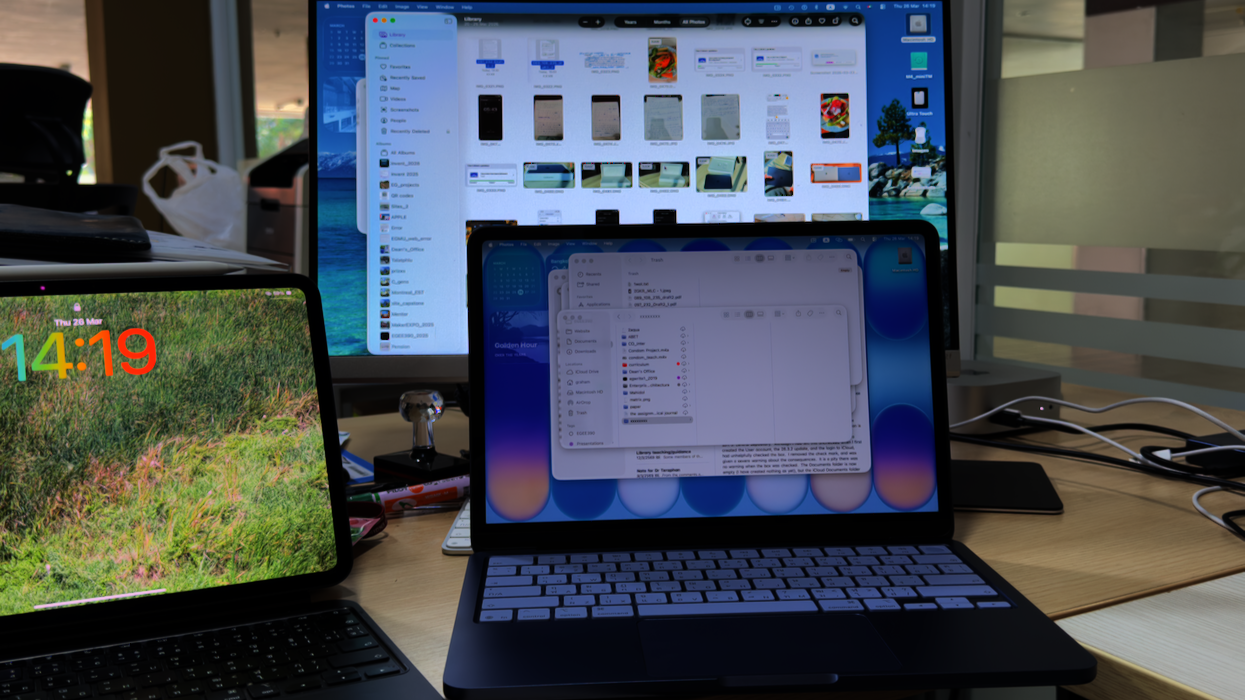
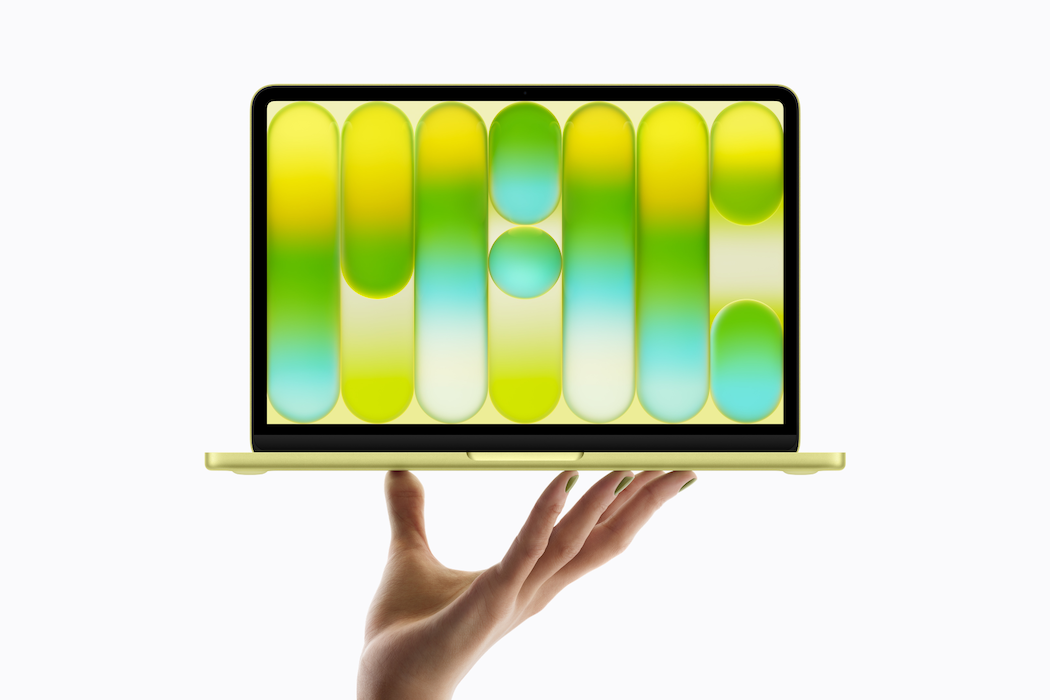
As with other WWDC events, beta releases of the new series 27 operating systems have been made available for developers (Zac Hall, 9to5Mac). I expect there will be a rush of non-developer users to download these so they can be first on the block, and then complain when something goes wrong. If anyone does go for a beta release, it is not the finished product. An expectation is that those downloading it make constructive comments on what they find, including what goes wrong. I decided that, with a spare Mac - the MacBook Neo - I would have a look at the macOS beta for the first time in a few years. Things have changed. I still have a Developer Account, but the way to install the new OS is not like before. There is no priority for this (for me) so I decided to go for the public beta when I have time. I did wonder how macOS 27 might work on the only Mac with the A-series chip. Roman Loyola (MacWorld) has installed it on his device and had a look at the AI Siri, with some acceptable results.
Before installing such software, any user should back up the device. Users should be doing that anyway of course. Ryan Christoffel (9to5Mac) reports that the iPadOS and WatchOS betas are also available. Juli Clover (MacRumors) lists all of the beta releases available, including macOS, tvOS, and visionOS.
Alas, we were told that Siri and AI are not for Europe. Apple blames the restrictions of the Digital Markets Act (DMA) and the intransigence of EU officials. In turn, the EU refuses to budge because it claims Apple wants to move the goalposts. Craig Federighi mentioned this near the close of his delivery, criticizing the EU for its extreme interpretation of the DMA regulations, and its "refusal to engage constructively on solutions that preserve privacy". However, Dennis Sellers (MacTech) reports that the EU rebuts this and claims that Apple is just making excuses and wants an exemption from the regulations. Apple made much of this in a press release explaining what they have done and what the EU has declined to do. Federighi also commented on the restrictions that China imposes with regard to using the AI Siri. He almost seemed more hopeful of arriving at some form of agreement with the Chinese government before the EU comes round.
EU countries are making widespread moves away from US technology companies. These are "driven by concerns around political developments in the past few years, such as worries over data privacy and the decline in academic freedom" Nature. Similarly in the UK, this week, the Prime Minister announced "a sovereign compute strategy to support homegrown artificial intelligence (AI) startups as the government pumps £1.1bn into the chip industry" (Lis Evenstad, Computer Weekly). More evidence that the EU is declining to accept US restrictions - from the tech companies or the US Government - came in a court decision in Germany. Martin Peers (The Information - paywall) reports that "A court in Germany found that Google is responsible for what its AI models say in AI-written answers to search results." That may reflect on the false information leading some users to make negative decisions.
There may be some AI features that I will turn off, and not only in Photos. Ivan Mehta (TechCrunch) reports on some of the AI features we can expect. Although he mentions the completion of sentences in the headline, this is not shown in the body of the article. That has several ways in which AI can assist users, without being obtrusive. When I first read the title I was concerned about the idea of AI completing my sentences.
 I hate it now when words are completed. It takes time while I am working and disrupts my train of thought. It takes even more time if I find a changed word when editing and have to remember what I really typed. And then the retype. If the OS did that with sentences, I would really have to be careful.
I certainly like the idea of the Passwords app dealing with compromised passwords although I was dubious when I first heard about this. Some may like the ability to "pull context from other apps like Mail and Messages" and display useful information while the user is on a call. This sort of thing adds to the value of the computing experience and draws on data that already exists. This complements the point I made earlier about "in-your-face" AI. I think some people I work with have already forgotten that they used to write content without ChatGPT or Gemini. Instead the AI we are being introduced to by Apple will nudge the user towards better output. It is like Yeats inferred in "Adam's Curse": Apple works hard but makes it look easy.
Some of these features may indeed be useful - detecting changes in browser pages, for example, and photos searches - and may well improve efficiency. I am also intrigued by the idea of using AI to create shortcuts. Hartley Charlton (MacRumors) writes about a new slide maker for Photos, and I thought, "Didn't we have this feature in iPhoto several years ago?" Yes, and a basic version is also in Photos now. Highlight some images and on the Mac, click on one while holding down the Control key. On the iPad or iPhone, select some photos and press the three dots (Actions), and Slideshow is at the top. The new Slideshow feature will have more features, including music. It has taken some 11 years to return a feature that was available in iPhoto. They will be adding a book feature next.
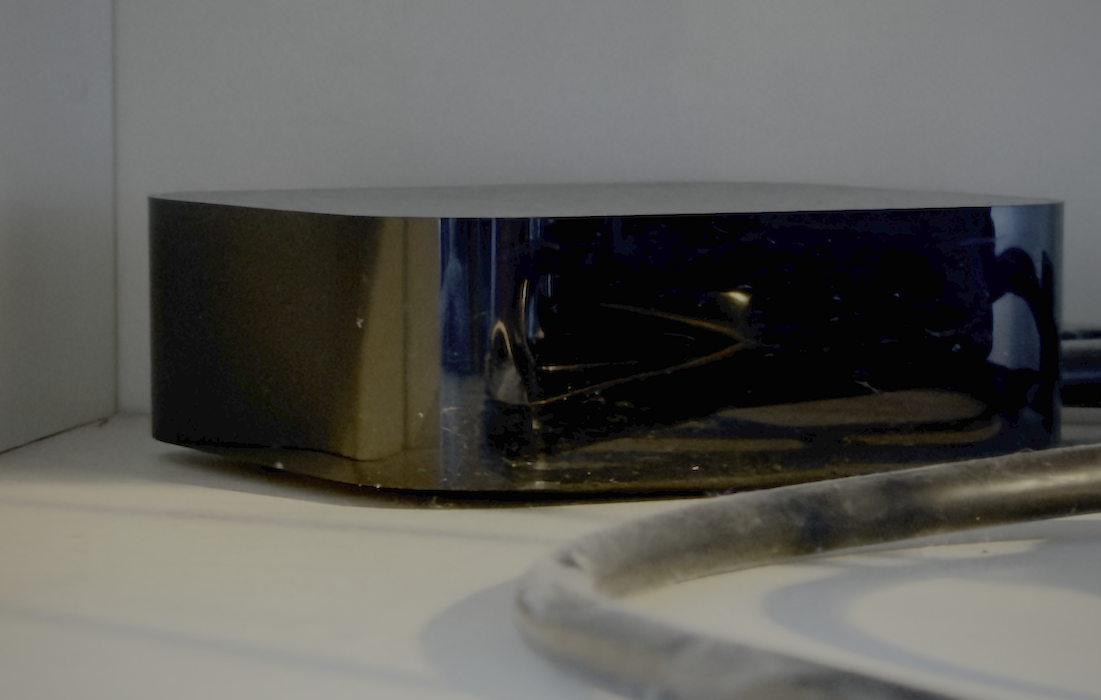
I guess the one sour note for me with this year's releases is that my AppleTV HD (A1625) will need to be replaced. Or I could just continue with tvOS 26. It sits there on a shelf and just works, although updates are a bit slow. I have been using this for a long time of course - about 10 years - but the next release (tvOS 27) will not work on this model (Andrew Orr, AppleInsider).
The current model is the Apple TV 4K and it is priced at 5,290 baht here. I shall raid my savings in a few weeks and replace the device before the update. However, in another report on this, Anurag Chawake (Cult of Mac) suggests waiting as a new model may well be in the pipeline. The current model "might not get some new Apple Intelligence features expected to come this fall."
My only concern, and perhaps the reason I have not replaced my current device so far, is the setting up process. I will look into any shortcuts that might be available. According to Apple Support there is a setup with iPhone option. I will, however, be pleased to replace that black, glass-surfaced remote which has been dropped countless times. The Apple TV update, whenever it arrives, suggests there may be more hardware updates in the pipeline. Like many others, I always hope that Apple will admit the error of its ways and develop a new version of its Airport WiFi router. It was, however, reported that support for Time Capsule - the backup Time Machine storage in an Airport router - will no longer be supported in macOS 27, although Malcolm Owen provides some advice on how to keep this alive.
We may still have a lot to look forward to later in the year. D. Griffin Jones (Cult of Mac), for example, notes that code in the macOS 27 beta hints at a touchscreen Mac. We shall see. There are already several rumors about this, with one claiming this is "100% confirmed" (David Snow, Cult of Mac). Some of the APIs in the macOS beta as well as code provide some clues. I must admit, particularly with the MacBook Neo, I am reaching for the screen more often these days.
A lot has been written about the use of AI on Apple devices, with many pundits wringing their hands about how far Apple is behind. I am not over-keen on some of the tools that are already available, particularly with the writing and Clean Up in Photos, which I avoid as if it were a nest of hornets. [That is one for older users.] Behind the scenes, for several years, Apple has been working on the use of advanced systems. Some of this was shown at WWDC with an update for the agentic coding toolset that integrates with Gemini in addition to OpenAI Codex and Claude to help them "plan, write, and review code". We will not see this directly, but providing AI tools for developers helps Apple users in the long run.
|
|
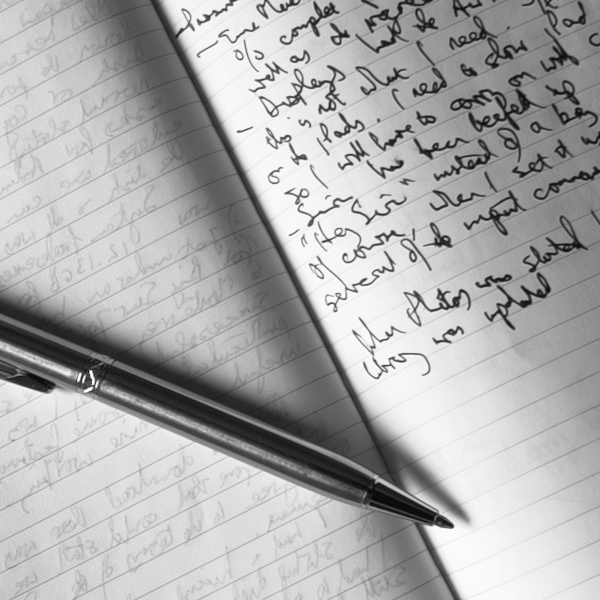
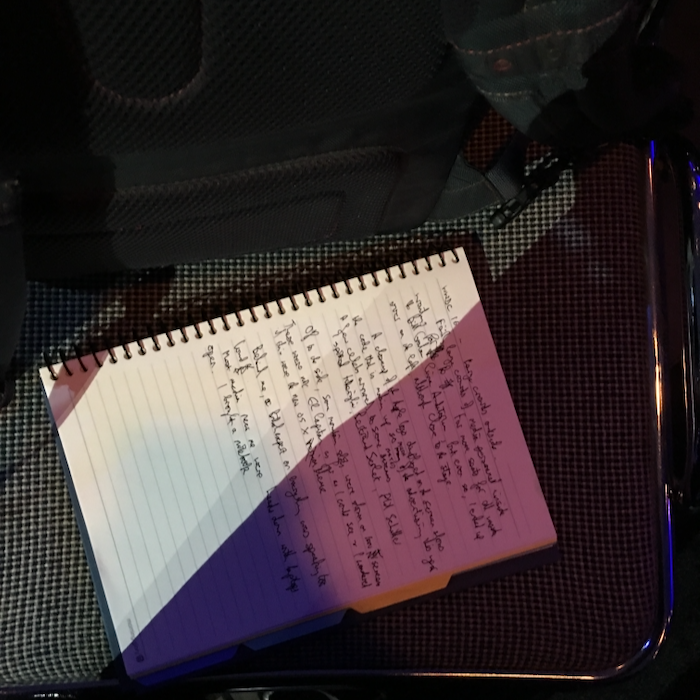
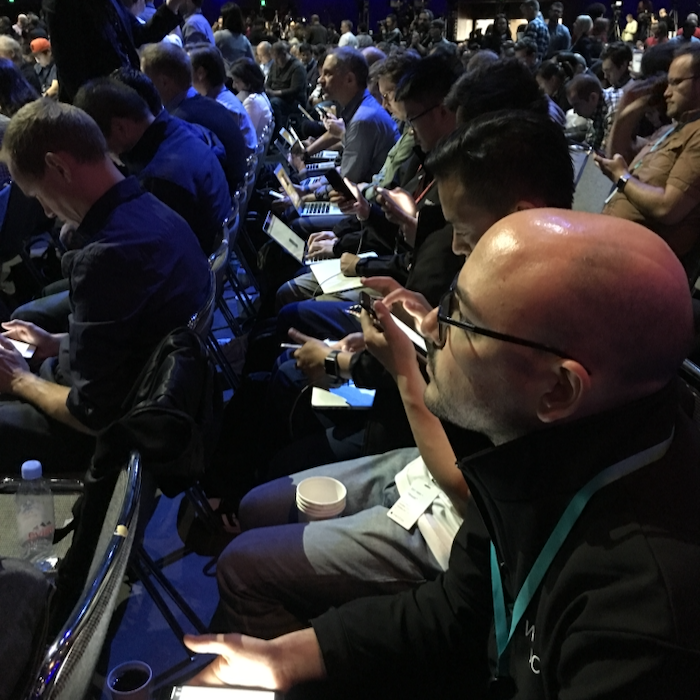
I was really pleased to see that Jason Snell (Six Colors) had ditched his usual methods of recording information at WWDC and other events he attended in California, and made use of a notebook and pen. He reports that he has a lot of notes that he is now working through. Adding to my comments on AI, he writes, "It's still classic Apple: AI is not the end but a means to an end, with the goal of building "helpful products for people."" Not in your face, but working behind the scenes to make it all work better. That's the theory, at least. Jason's comments are quite long and he covers several areas, as a user. I particularly liked his comments on Photos. Take your time to read this. I did.
Another improvement revealed in the Developer session was the updated RAW processing capabilities. William Gallagher (AppleInsider) outlines this and explains that it is more for developer apps, and names Halide, that use RAW images. This is something I am certain to use.
Sweating the little things shows that Apple does care about its users, we read on the Oneberri Blog. I saw this at one WWDC when flashing across the screen was the information that the next version of iOS would have RAW for photography. This posting has found a lot that most have already missed, despite the digging that the tech press have been doing. One (in this list) that pleased me was the return of the Star Ratings in Photos. Last seen in Aperture and another feature that was much missed, now to return apparently.
Graham K. Rogers teaches at the Faculty of Engineering, Mahidol University in Thailand. He wrote in the Bangkok Post, Database supplement on IT subjects. For the last seven years of Database he wrote a column on Apple and Macs. After 3 years writing a column in the Life supplement, he is now no longer associated with the Bangkok Post. He can be followed on X (@extensions_th). The RSS feed for the articles is http://www.extensions.in.th/ext_link.xml - copy and paste into your feed reader. No AI was used in writing this item.

For further information, e-mail to
Back to eXtensions
Back to Home Page