
eXtensions - Thursday 14 October 2025
By Graham K. Rogers
It took almost 3 weeks before ordering for the MacBook Neo opened here. Although the delivery seemed to drag over the weekend, as promised the device was in my hands a week after the order was placed. This is one of the most exciting devices to have come from Apple, ranking with my M1 MacBook Pro, M4 iPad Pro, and the M4 Mac mini. With 2 days in my hands, I only have basic comments, but this looks good.
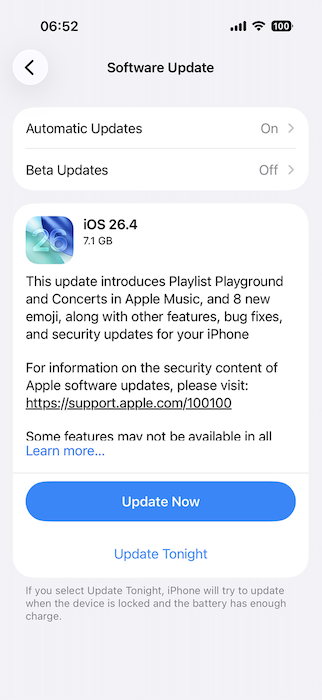
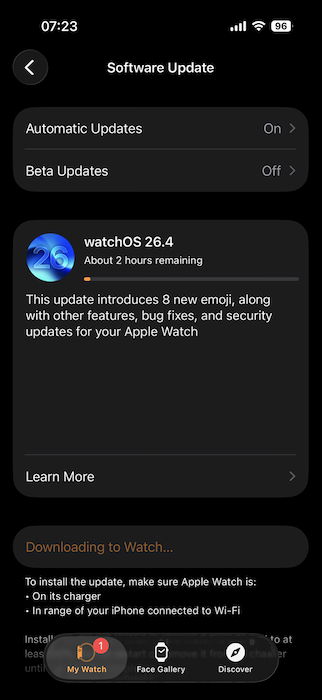
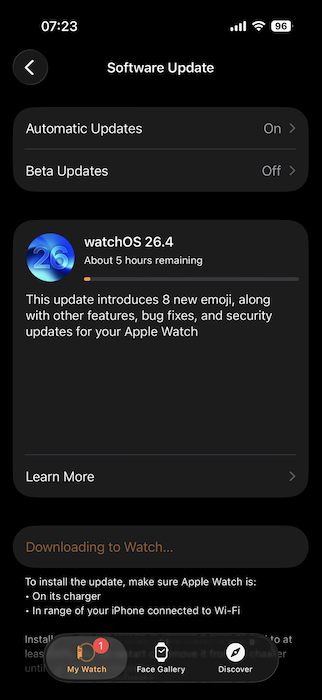
This week, Apple released updates for its operating systems. These updates seemed a little large this time. They were slow downloading, but that might just be local conditions. There were several changes and I would have been caught out by one if I had not seen a comment in passing about the revised menu in the iPhone (and iPad) App Store app. Instead of displaying a list of update items and those recently updated, there is now a menu to take the user down a further level to the list of updates. The Apple Watch update was glacial as usual, but once downloaded, that was installed fairly quickly.
|
|
|
Last time, I reported on the success of some students at the university, who had been accepted to appear in the finale, now to be held in Ireland. Unfortunately, the university guidelines that were issued as a result of the energy crisis worldwide means that these students will no longer be able to travel to the international venue. I am sure they are disappointed. This would have been the third group to have reached the finals in recent years. The organs here were forced to withdraw the group from the contest, but at least as some consolation, another group from another university will now be able to attend.

|

|
There has been a string of rumors concerning the takeover of Lux Optics by Apple, who (we noted earlier) had hired Sebastian de With in December. Some excellent work has been done on camera technology by this developer and that may have found its way into Apple's own cameras if the merger had taken place. It may be that, at least for the time being, that ship has sailed.
 Several sites are reporting that legal proceedings between Ben Sandofsky and de With have probably caused Apple to back off for now Malcolm Owen (AppleInsider). As any such discussions between the two entities would have been held behind closed doors with lawyers and NDAs aplenty, there is only bare information available and the main parties in the dispute disagree on the facts.
Also providing information about this is Jackson Chen (Engadget) who focuses on the merger and ends with news of the problems at the developer. Jeremy Gray (PetaPixel) focuses on the legal dispute, mentioning the takeover talks as part of a discussion that looks at the recruitment of de With and how that led to the discoveries that began the dispute.
Although I expect Apple backed away quickly from the talks when the problems were revealed, it is perhaps odd that they still recruited de With at this time. If he took some of the technology with him and Apple uses it, that could be cause for litigation.
I do not think I have been as excited about a new Apple device since the M1 MacBook Pro, M4 Mac mini or the M4 iPad Pro. None of these can top Steve Jobs' announcement of the iPhone, but the MacBook Neo is a logical evolution of what happened on that icy morning at the Moscone Center in 2007. Bu the time the iPhone 6 appeared, it became fairly clear that the technology used in the A-series chips could be powerful enough for a computer.
The result, eventually, was Apple silicon and the M-series chips. The idea of repurposing an iPhone chip like the A18 makes it possible for Apple to produce a lower priced computer running macOS, with about the same power as the M1 Macs. As to the capability of the chip to run such an advanced OS, one of the advantages Jobs touted on that day in 2007 was that the iPhone runs OS X, albeit with some of the computer-necessary functions weeded out.
|
|
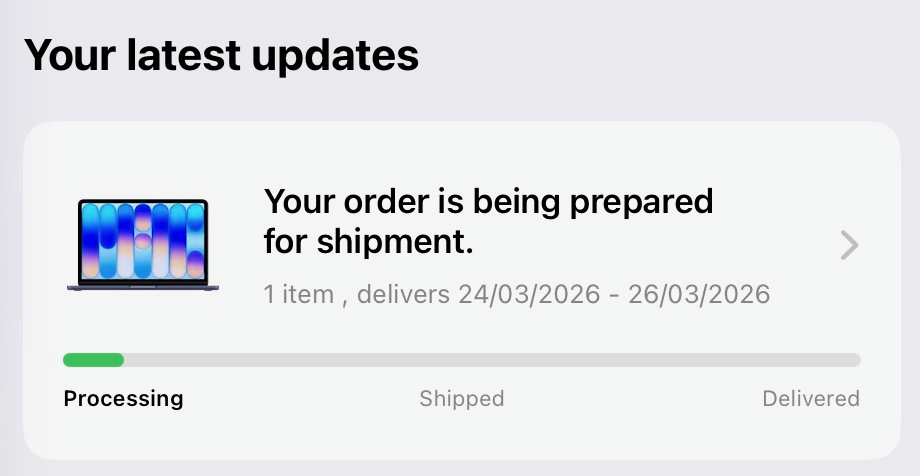
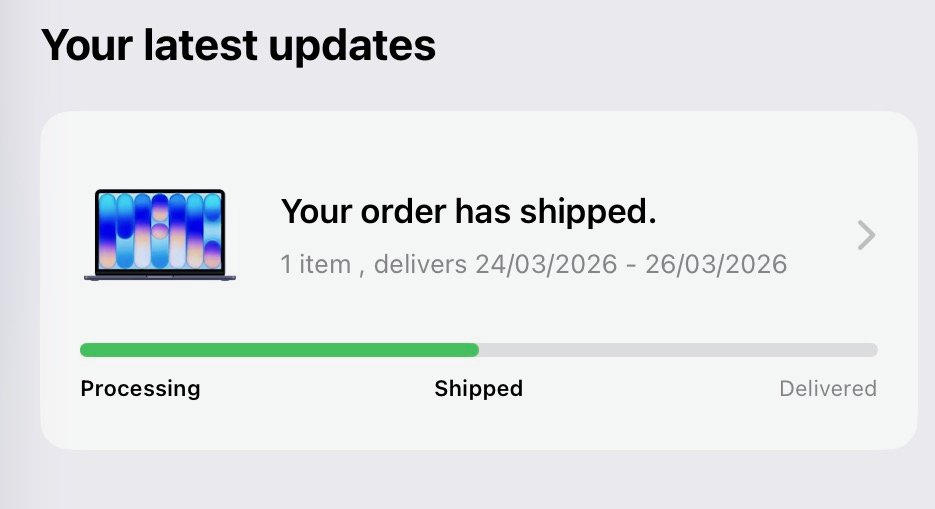
Orders for the MacBook Neo went sky-high and some users are having to wait for theirs. Users in Thailand had a built-in wait as ordering did not open here until last Tuesday. The ordering information showed that delivery would be between 24 and 27 March, but the progress bar in the Apple Store was stubbornly stuck on Processing for days. On Monday, as I had suspected, I had an email from Apple: the device had shipped. The progress bar was updated; and the delivery was made to my home just outside Bangkok a little after lunchtime.
Analyst Horace Dediu includes comments on the MacBook reported by Benzingo. One analyst thinks the new Apple device will have a significant impact on the PC market for low end devices. He does note that replacing Chrome may be a little harder with "Google's admin tooling and institutional relationships, not just its price point". On that, another commentator suggests that the device will do well in higher education. I showed my MacBook Neo to a technician at the Faculty on Wednesday who was impressed with the finish and thought the price was far higher. When I told him it started at 19,000 baht, his eyes widened.
Dediu adds a comment to the input from Benzigo: "Competing products are flimsy and don't hold up making cost of ownership higher. . ." By coincidence, I was discussing computer replacement with a friend in the UK this week. He is thinking along the lines of a Mac mini to replace his 3-year old HP computer which will no longer has the power for what he wants to do in macro photography. I mentioned the MacBook Neo of course, but also told him that my M1 MacBook Pro, now a little over 5 years old, is still doing all the tasks I throw at it. That cost some 56,900 baht then (the same starting price as the current M5 macBook Pro), so year over year that has cost me 11,380 baht per annum: a good investment.
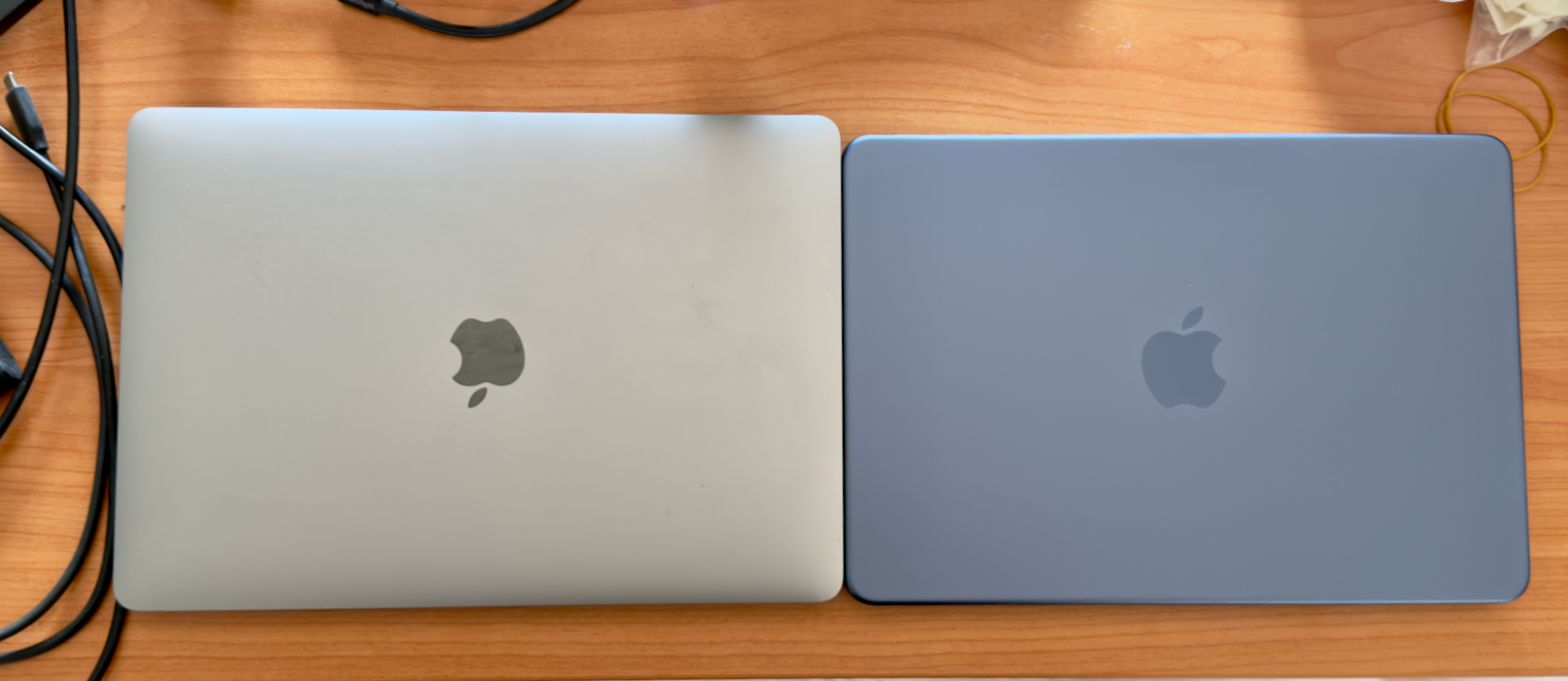
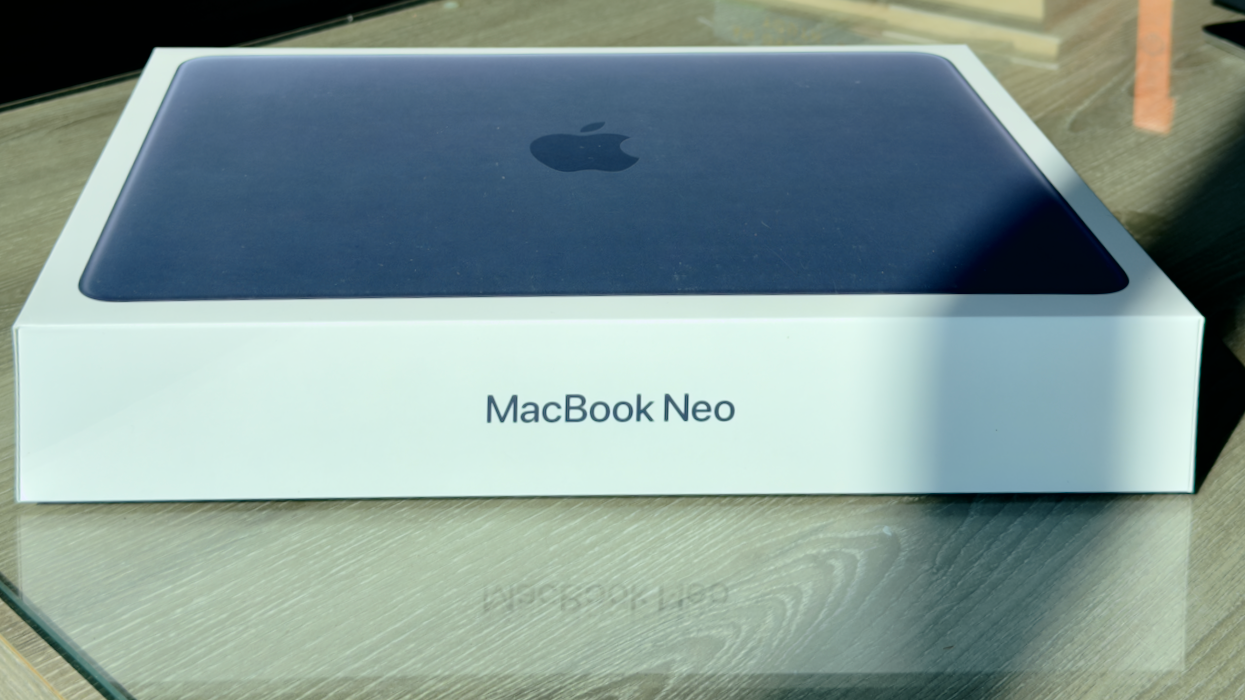
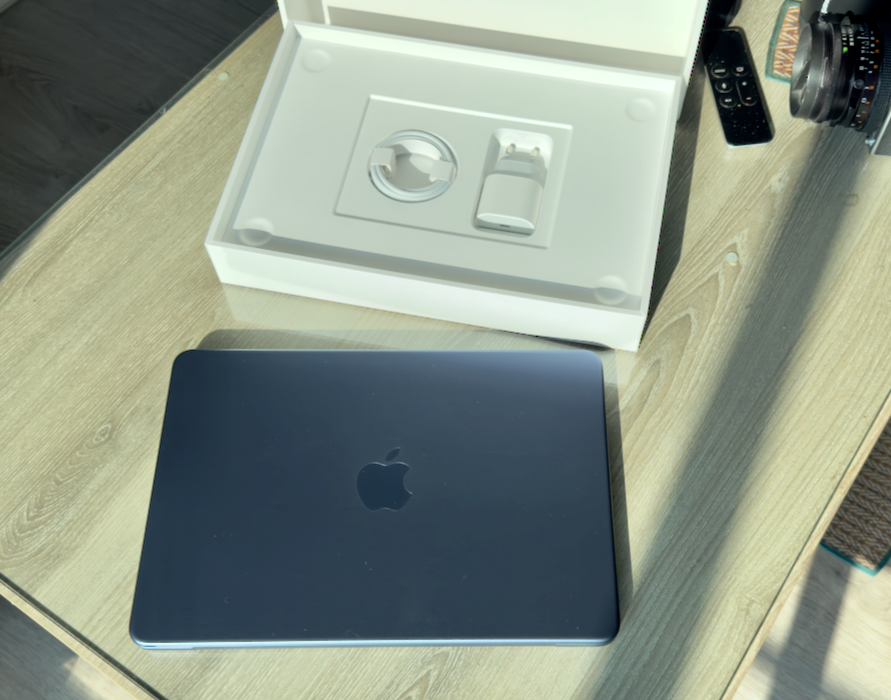
I unpacked the box in the bright afternoon sunshine. I chose the less vivid Indigo color version as this will look better in an office environment. I was surprised at how good this felt in the hands: not a hint of cheapness or plastic. In the box were a charger and a USB-C cable. I took a few early photographs and a friend thought it looked small. I confirmed the slightly smaller footprint with a side by side photograph next to the 13"MacBook Pro. When the screen is open, any impression of being smaller is lost. The keys are a lighter color than the body of the computer. In my case, they have English and Thai characters on them.
I had decided not to use any backups and set up the Mac from new. I started with an Admin account (a Mac running macOS must have at least this). As I always work in an ordinary User account, I created that, then logged out and began work in the second account, logging in to iCloud to start the transfer of data. I checked Photos and made sure that the Library had started to be downloaded. I have around 31,000 images and they were all there within the hour.
All was going well until an update appeared. I installed this 26.3.2 version, but when I restarted, I was asked to enter my iCloud details, and was shown a panel that told me some items had been relocated. Instead of a clean desktop thee were scores of files all over the screen. On the MacBook Pro, I use Stacks which helps reduce the clutter. That update had changed my iCloud settings and this new Mac was now syncing files from the other devices. The Mac mini at work does not do this, but I can access any files I need via iCloud. I was in two minds about whether to delete the account and create another, clean one or just carry on with the data synchronized, but thought I would compare the Mac mini to see which settings were different. Early next morning macOS 26.4 arrived and I had to update again, although this did not make any dramatic changes to the files this time.
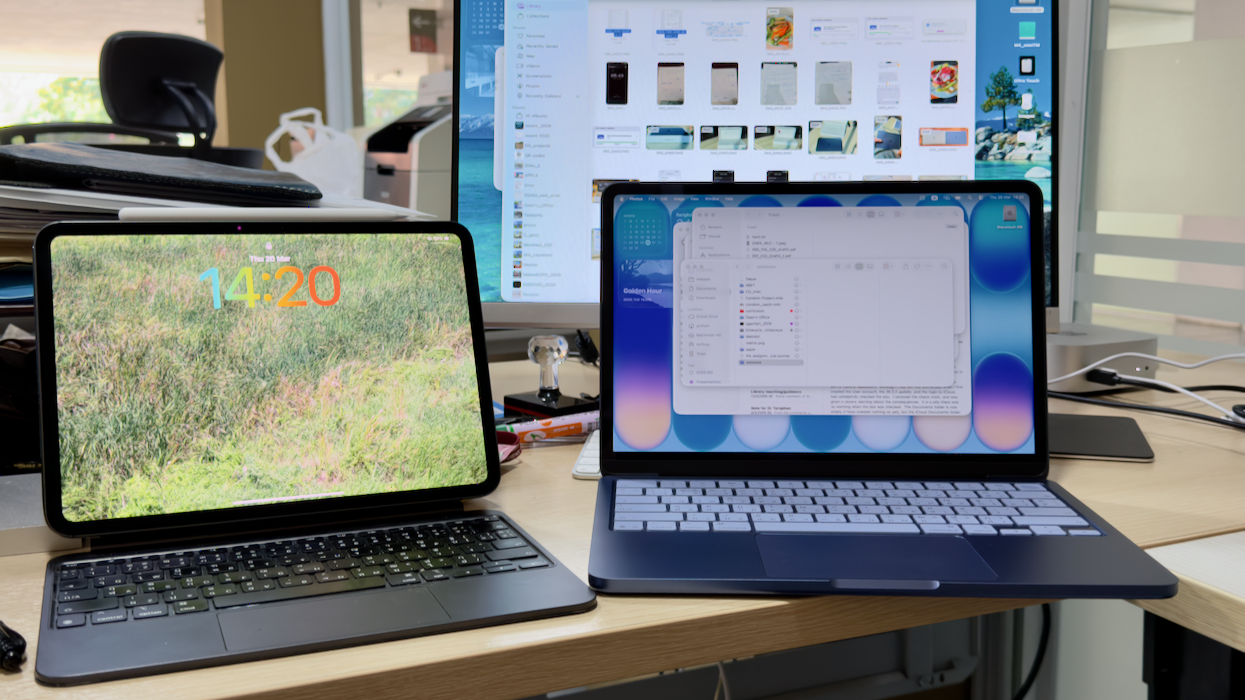
At the office, I compared the MacBook Neo settings with those of the Mac mini to see where the differences might be. This synchronization is controlled by the Finder > Settings > General: "Sync Desktop & Documents folders". I usually only do this with the MacBook Pro as a sort of central depository.
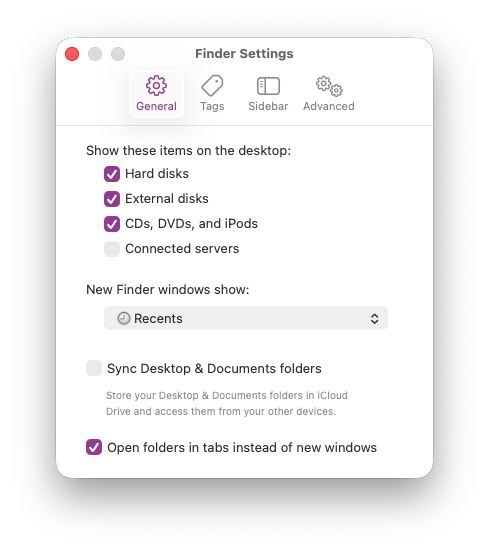 Although I had left this unchecked when I first created the User account, the 26.3.2 update, and the login to iCloud, had unhelpfully checked the box. I removed the check mark, and was given a severe warning about the consequences. It is a pity there was no warning when the box was checked. The Documents folder is now empty (I have created nothing as yet), but the iCloud Documents folder is populated with the files on the MacBook Pro, the same as on the Mac mini, the iPad Pro and the iPhone.
Others had commented on the feeling of the trackpad and I quite like the way this works. The keyboard is different. I am growing used to the feel of the keys (I am typing this in Notes on the MacBook Neo) and watching the words appear on the iPad Pro on my desk. So, synchronization is working exactly as I want. There had also been comments on the way the ports would connect to external monitors. I tried with my HP monitor at work, using an HDMI adapter and it worked without problem, giving a good image. I connected to the port closest to the back. When I tried the port slightly nearer the front, I saw the warning, "Use Other Port for Display To use an external display, connect to the other USB port on this Mac."
I was not entirely happy with iWork. For reasons which go back to the original iTools (later iCloud) I have two Apple accounts: iCloud and iTunes. The device came with the older versions of Keynote, Numbers, and Pages installed, but when I downloaded the new versions, I was asked to enter my iCloud password. That had not happened on the other devices I have. I had apparently subscribed to them and I am currently unsure how I can undo that. The new versions appeared with no such problem on all my other devices.
When I tried to download a copy of Graphic Converter from the App Store, I was shown the price tag. At the time I had been logged in to the iCloud account. I logged out and signed in with the original details. Graphic Converter was then shown as a straight forward download. I will go through to see what apps I need, although had already downloaded BBEdit directly from the developer and that installed with no problem, recognizing the license details.
Graham K. Rogers teaches at the Faculty of Engineering, Mahidol University in Thailand. He wrote in the Bangkok Post, Database supplement on IT subjects. For the last seven years of Database he wrote a column on Apple and Macs. After 3 years writing a column in the Life supplement, he is now no longer associated with the Bangkok Post. He can be followed on X (@extensions_th). The RSS feed for the articles is http://www.extensions.in.th/ext_link.xml - copy and paste into your feed reader. No AI was used in writing this item.

For further information, e-mail to
Back to
eXtensions
Back to
Home Page